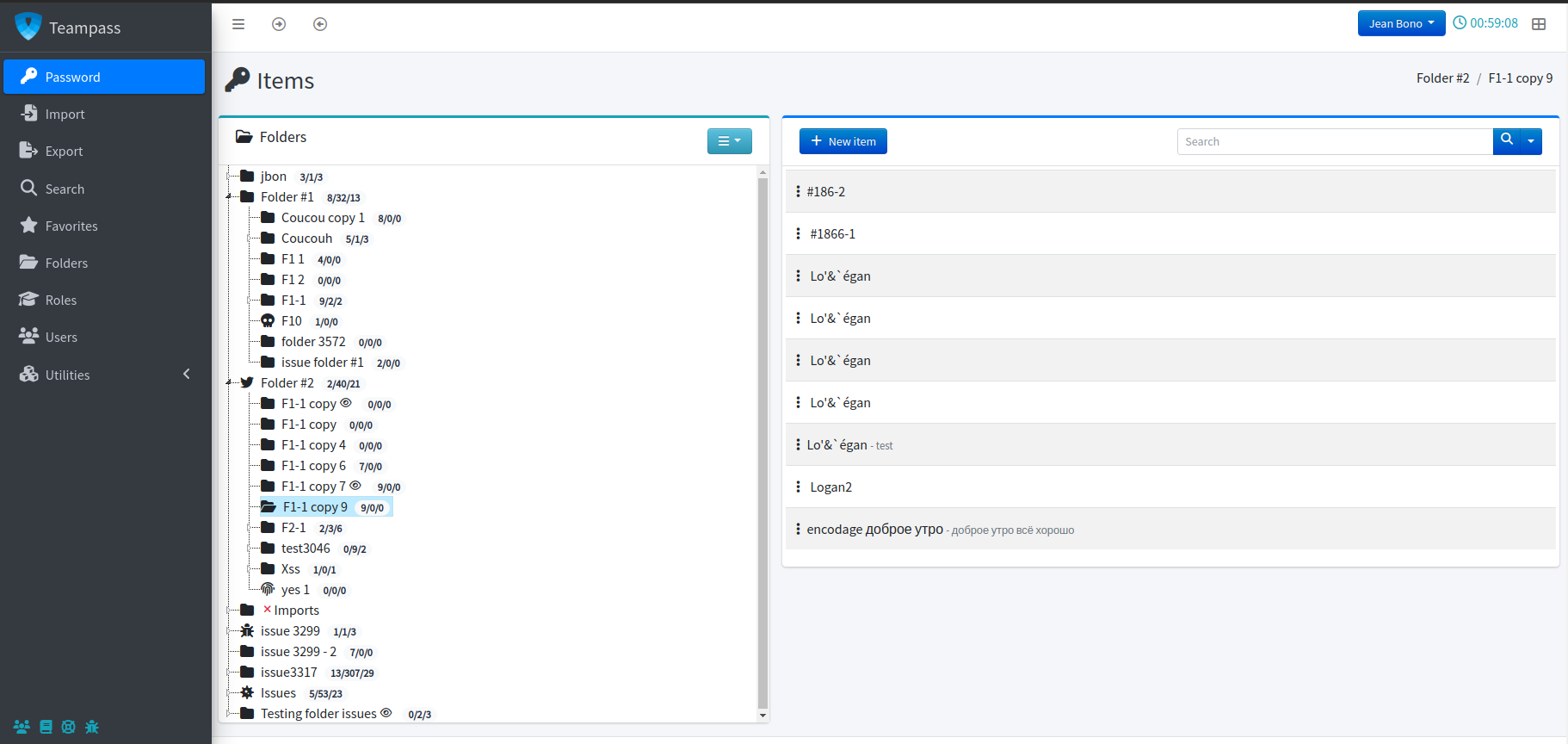
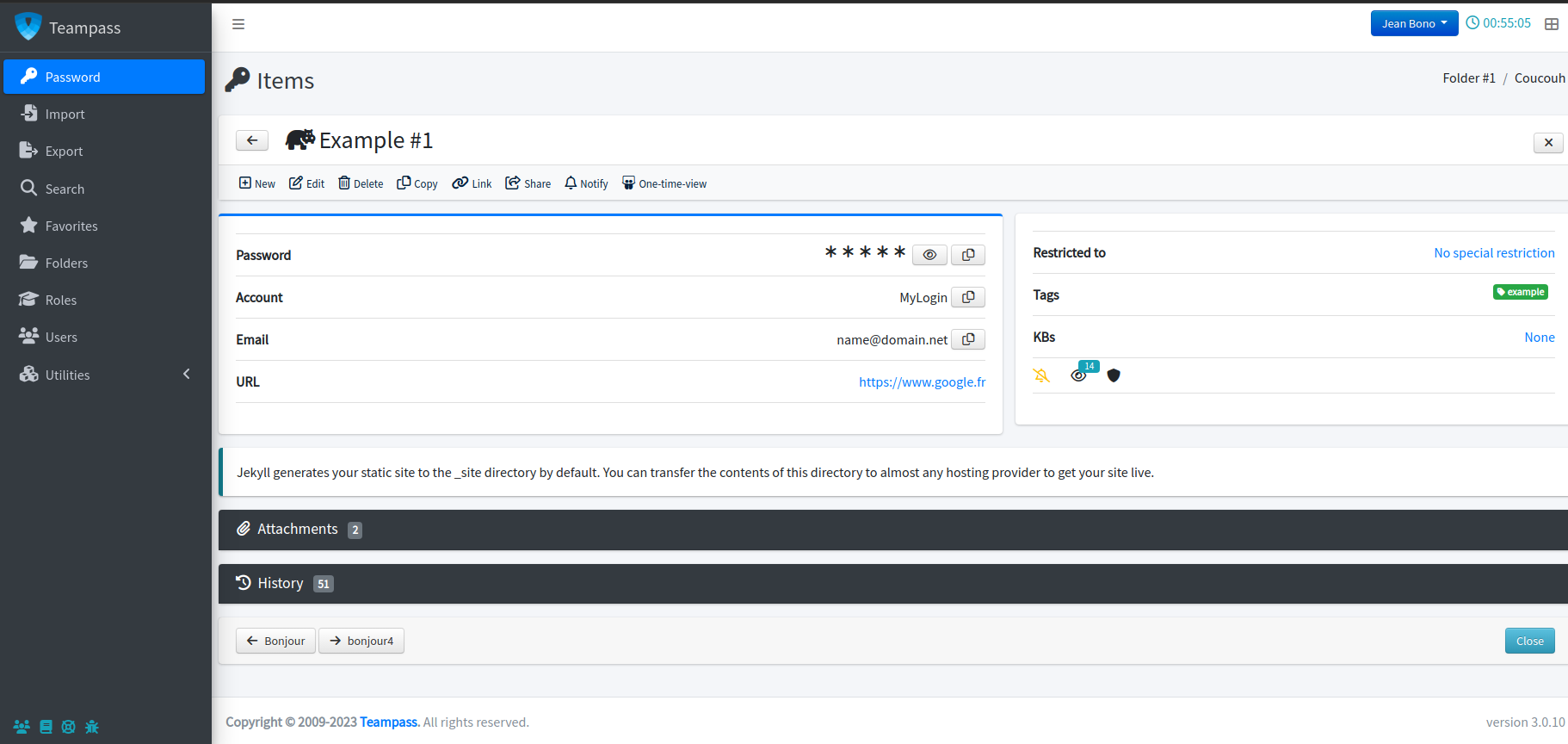
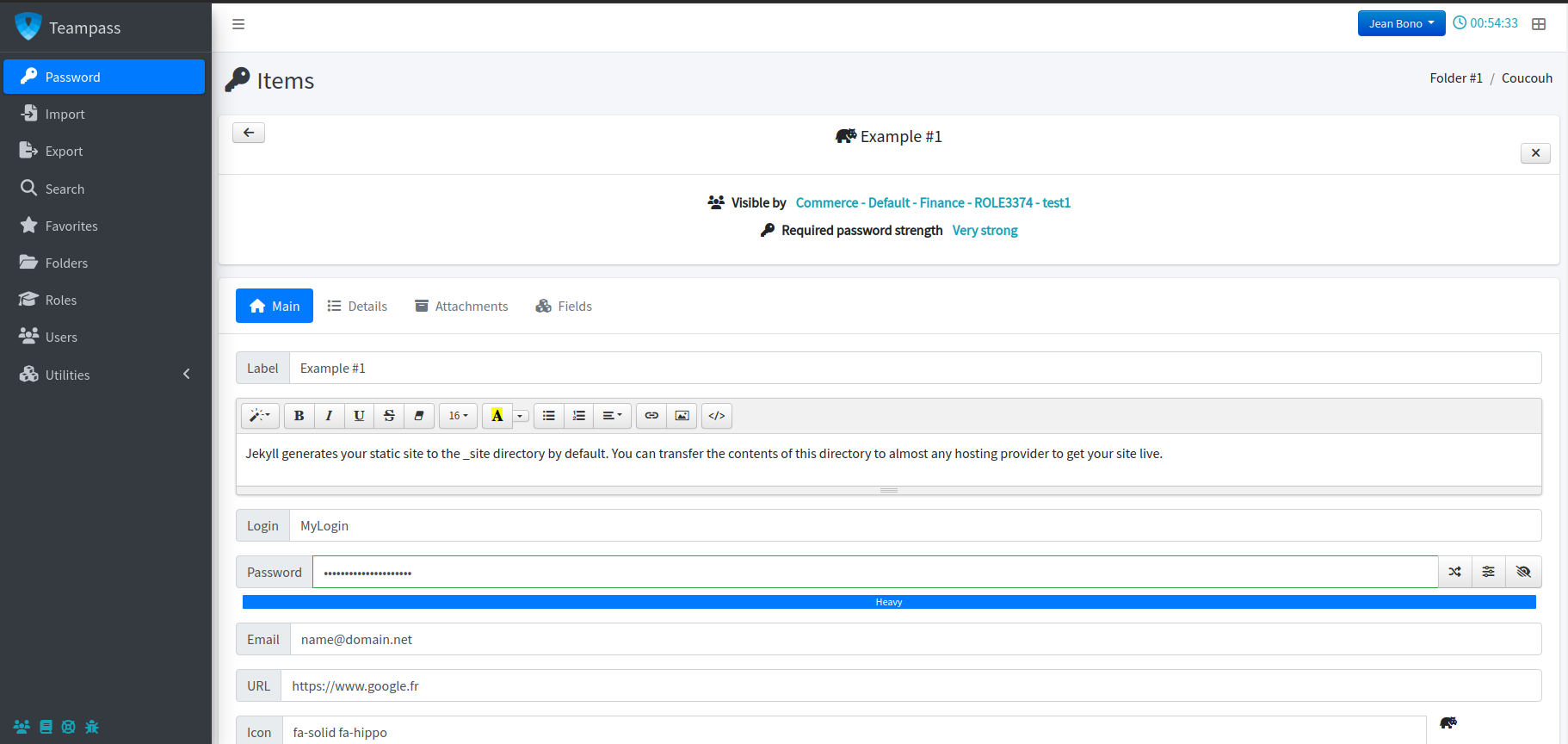
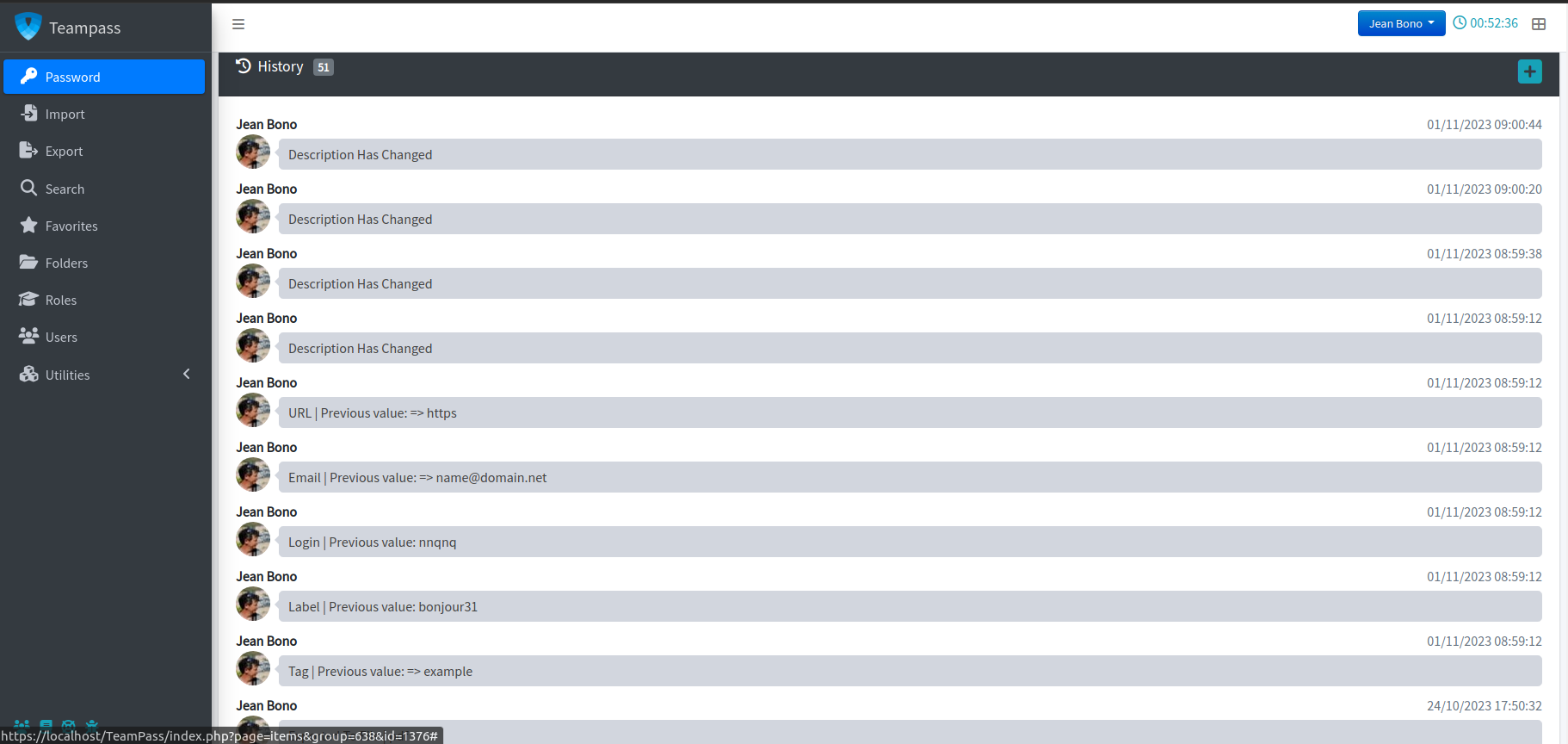
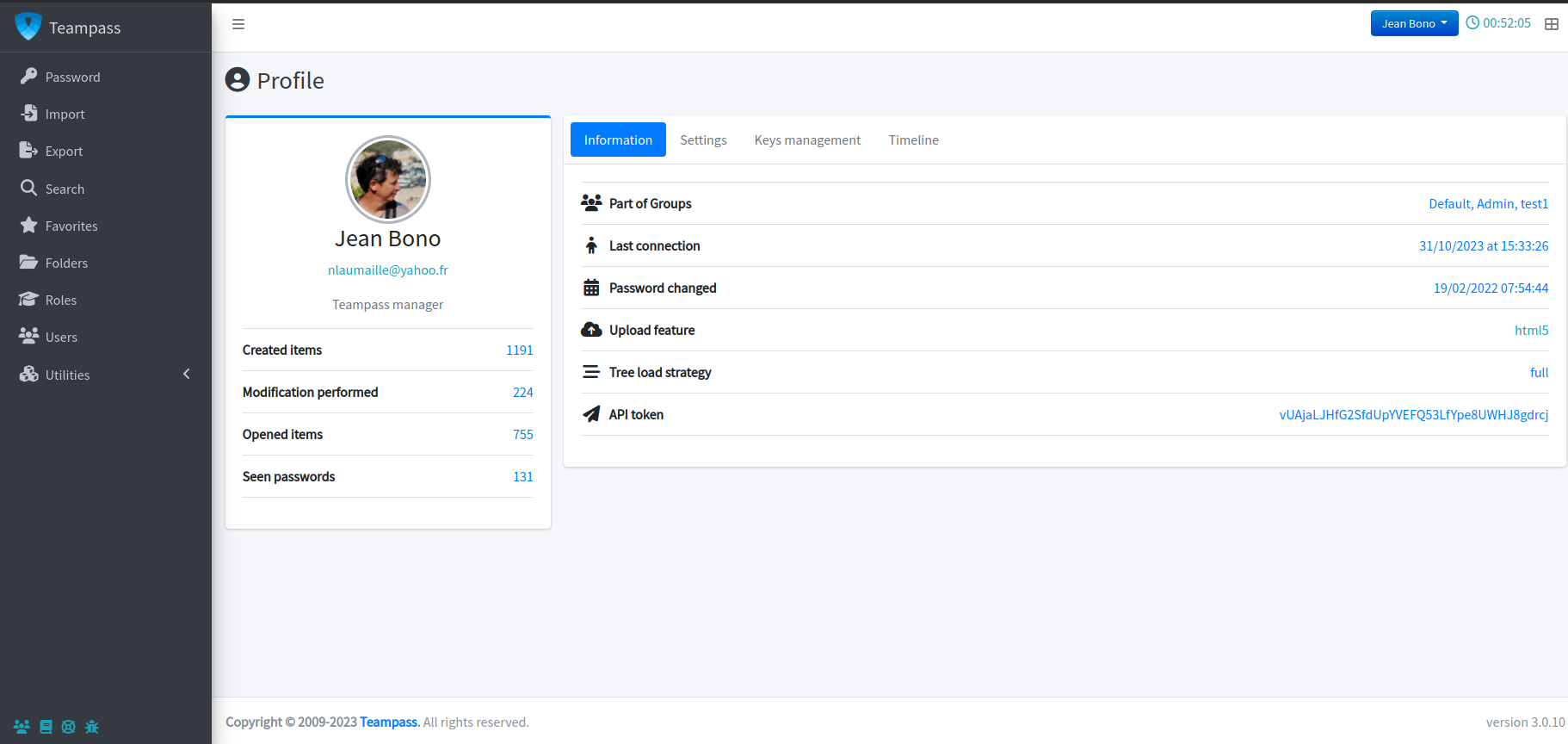
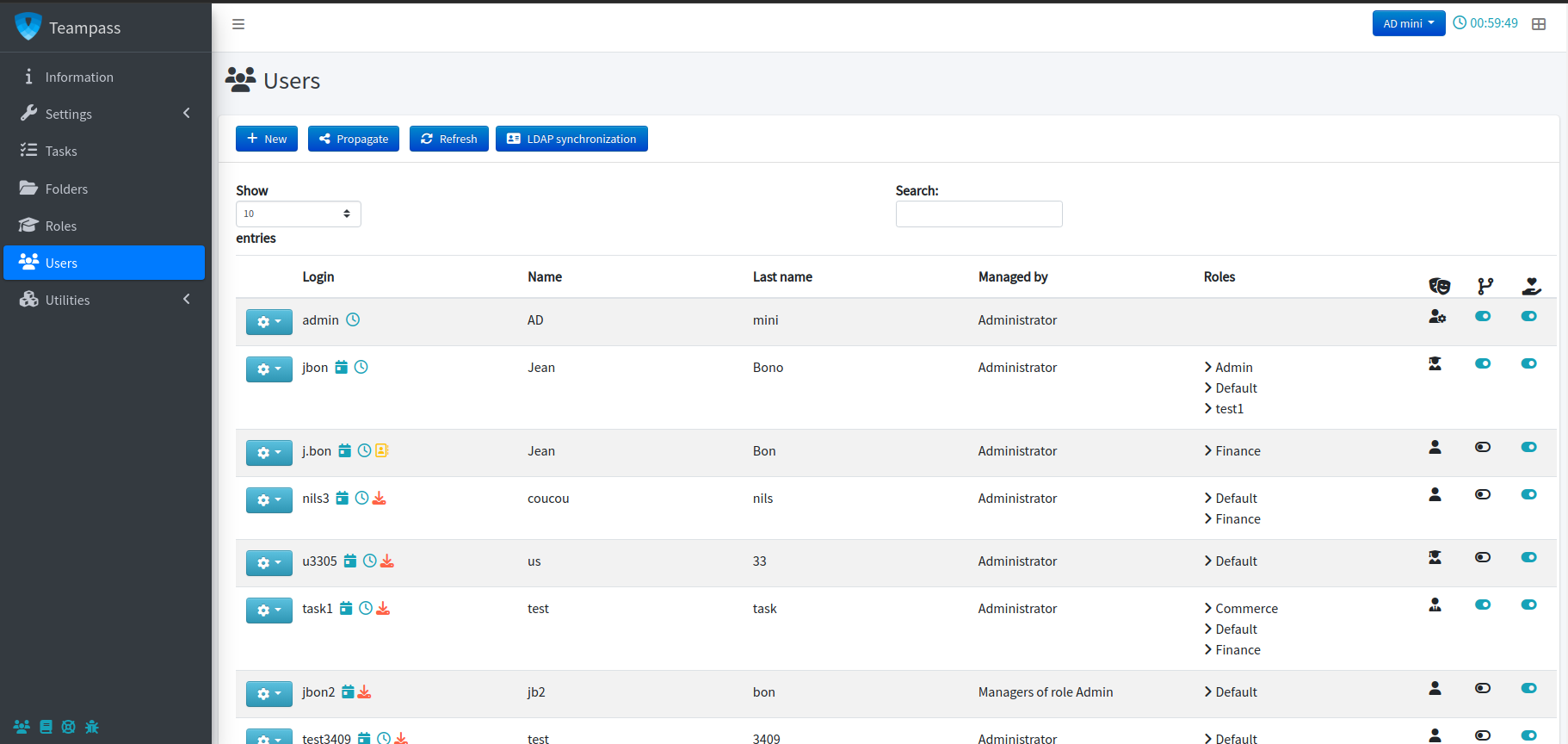
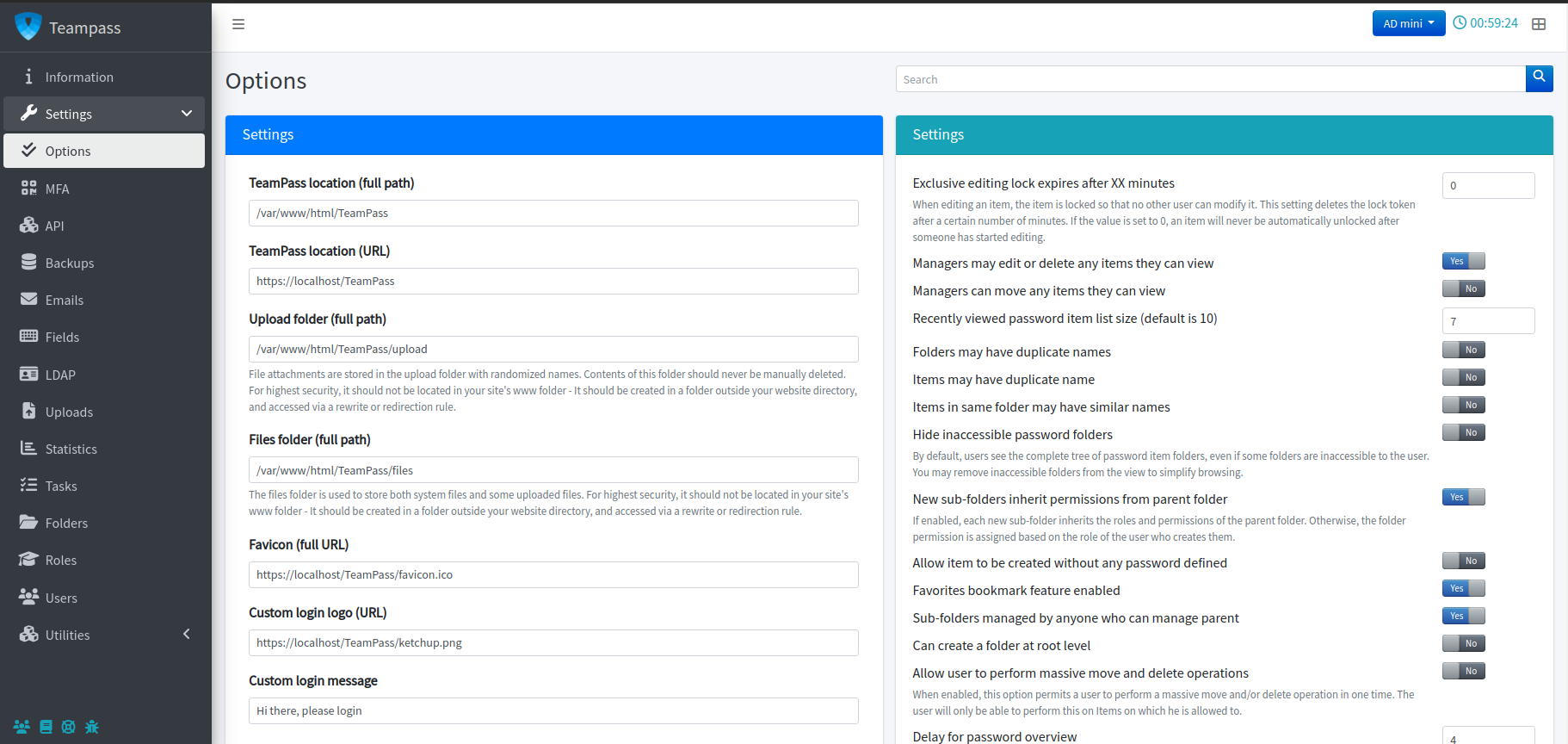
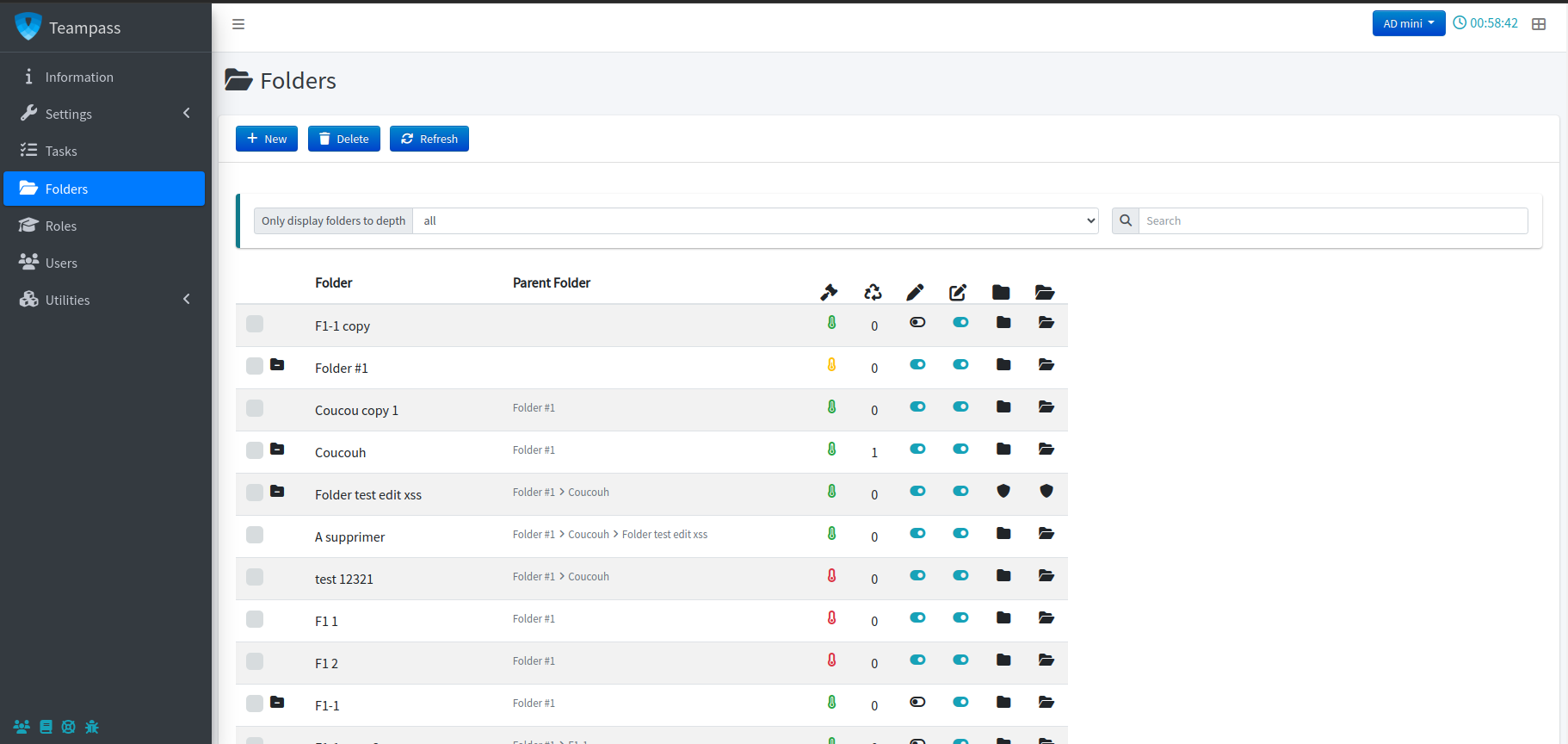
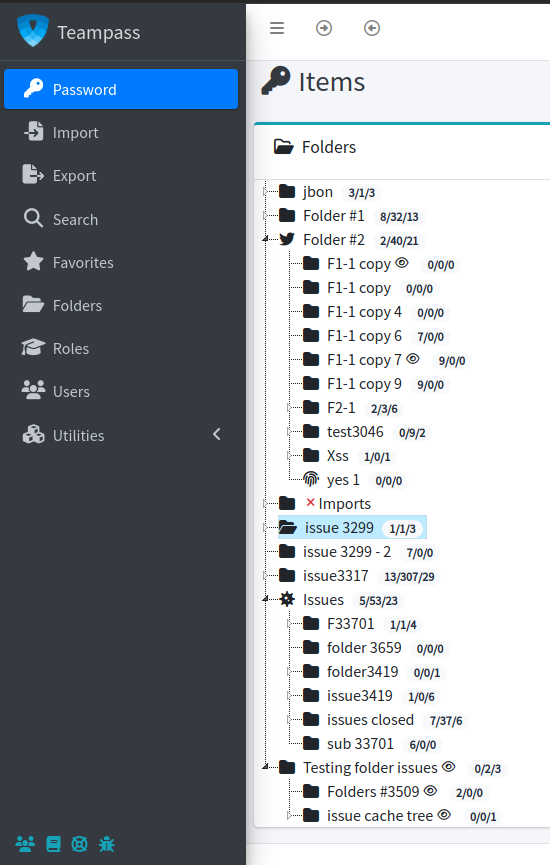
TeamPass is a Passwords Manager dedicated for managing passwords in a collaborative way on any server Apache, MySQL and PHP. It is especially designed to provide passwords access security for allowed people. This makes TeamPass really usefull in a Buisiness/Enterprise environment and will provide to IT or Team Manager a powerfull and easy tool for customizing passwords access depending on the user’s role.
Using TeamPass will …
- permit you to stop searching for passwords,
- permit to get ride of all small txt files containing passwords,
- enhance the passwords follow-up,
- offers you the possibility to grant access to passwords,
- assure you that only allowed users will access to passwords,
- guarantee full security of all passwords,
- permit to share passwords and store them.
Browsers compliance
TeamPass is compliant with the next Browsers.
![]()
What technology uses TeamPass?
TeamPass is coded in PHP, Javascript and Ajax using massively jQuery library.
It relies on a Apache, PHP and MySQL server.

W3C conformity
TeamPass fulfills the W3C coding standards.
Hosting your TeamPass installation
Why not participating to TeamPass by host your installation on TeamPass.net? What to know more? Just follow the link…

Hi: How can I install Cpassman into a PHP version 5.2 server?
Hi Julian,
No it will not work. It uses specific function only developed since PHP5.3.
Cheers
On RC2. After adding a few folders and keys, I somehow cannot seem to list the content of a folder. The indicator keeps showing that the system is busy.
Hi Thomas,
Please use the GoogleCode page for problem report
Can you create there a new issue in order that I can manage it?
Thank you
Nils
This is the most great project i’v seen related to Password Management but it only lack the API :) to store & fetch passwords and information.
Thank you
What do you mean by “store & fetch passwords and information”? What context? Fetch directly the password and login in some websites identification pages, is that it?
What happend to the Google Group cpassman?
I’ve disabled it in order to focus on this new “platform”.
Any one can comment or do a post here now.
Hi,
i think it’s time to make URL support for ssh protocol with putty. think it’s the most usable ssh application. now if you add url ssh://domain.demo.test it autocorrects ir to http://ssh://domain.demo.test and ir automaticaly opens borwser, if you manualy correct URL to ssh://domain.demo.test it doesn’t open.
Do you mean that you add ssh:// in the url field of an item?
If yes, you’re right. Actually the system automatically adds “http://” if it not see it as a prefix.
I might suppress that check.
Thank you for suggestion.
i think it allso applies not only to ssh protocol, but rdp support and telnet. i think most of your user’s would agree to my suggestion.
Hi Nils,
I have version 2 RC1 installed, when i try to upgrade to higher RC’s it gives me the following:
File settings.php does not exist in folder includes/! If it is an upgrade, it should be there, otherwize select install!
Please advise.
Please check if file “settings.php” exists in folder “Includes”.
HI,
I have installed this application.User are able to login with their AD’s user name and password But i unable to find mail notification in this so we can send mail notification from here to any user..
Thanks
At any creation or edition of an item, you can notify other users.
But actually, there is no “notification” of an item without the 2 previous conditions.
I can add that in my improvement list.
Thank you
I installed cpassman, and it is a very cool tool with no competitor in my opinion.
I have just one problem – there seem to be unencrypted password in the mysql *_log_items table. Not newly entered passwords, but changed passwords. I can see the old ones (history) in clear text.
That is a problem for me, I just think of typing errors and then corecting…
Is there any chance to have that history encrypted in the database?
Best, and keep it up – Florian
Thank you for your comment and advice
Concerning the passwords, that’s true those ones are not encrypted actually. It’s an “old” process that I’ve not improved and needs to be improved.
My advice is to change entirely your passwords using the generator so that no one can guess your passwords.
Thanks
you think that your showcase is not seeing? We see nothing when it scrolls what do you think?
Sorry I didn’t understood what you mean, can you reformulate please?
Couleur gris clair sur fond blanc c’est pas top au niveau de la visibilité. Plus simplement on voit rien en haut du site sur le showcase jquery. Mais bon ça à l’air de déranger que moi. J’aime les choses bien faites… ;)
Ok merci, j’ai amélioré la chose
Great ! ;) Merci.
On dirai que c’est redevenu illisible ?
Hey Nils,
great work as well! But i have still a question, is also chromium, the open-source version of chrome, supported? Because i am using ubuntu and when i open the teampass-ui (2.1), i get a crash-report from chromium. But this didnt happen by using the old cpassman!
Hello Tim,
Hum I don’t know in fact … I didn’t do any test on this browser.
I’ll do a test on my test server, and keep you informed.
I love the improvements so far. Upgraded my IT management from 1.82 cpassman. However, one feature seems to be missing in 2.1 You used to be able to restrict a password’s visibility directly to a set of users in addition to roles / folders. Any reasons? Keep up the great work!
-W.S.
Thank you!
You can restrict visible to Users and to Roles. Now It is 2 separate options that you need to activate.
Nils
TeamPass is very cool, I’d like to persevere with it, the 2 issues I’m having though:
- I can’t find any android browser which can render the page and copy passwords.
- Whilst you can import passwords, you don’t seem to be able to export them aside from exporting a database.
The android thing is a bit of a deal breaker, although I haven’t tried the android chrome beta yet. We shall see.
Thank you

Concerning an android browser, I don’t know … I don’t have any smartphone to do any test
Concerning exporting the passwords, you actual just can export in a PDF file. Sure I could tweak that so that it could be exported at least in a CSV format.
Once again thank you.
Teampass is very great, could you tell me is there any short patch to export to pdf, csv? Because it is difficult to move TeamPass to new server.
Great Software
Got it work Yippiiiii

Hi,
is it possible to integrate TeamPass with some external DB (e.g. the host’s anagraphic one) ?
Thanks
Hum … I don’t really know in fact.
The tool is done for a Mysql database. If you use another one, I think you need to adapt the DB calls.
What is a “host anagraphic DB” ?
I’ve installed version 2.16 (latest?) but I cannot add any folders or entries. The following JavaScript error comes up in both, Chrome and Firefox: “open_edit_item_div is not defined”. I have used cpassman for a while, but I cannot upgrade to TeamPass since it becomes unusable. Please help.
Hi Denis,
I really think it is a problem of cache of your server or browsers.
Indeed this function is always loaded, and every one should have this error because it is the one that build the edit item dialogbox.
Start by cleaning cache.
Is it possible to have more fields in each item the way we have description field.
Yes it is possible to be improved.
Please give me the one you could need and I will see how to improve.
I’ve been exploring teampass a bit and I am very impressed. However there is one feature I haven’t been able to find. I assumed it would be possible to view a log of all passwords ever accessed by a particular user but the only logged information I can see is a history of password creation and modification (no access history). There is a history of user connections to the database, too but this does not show what password they accessed.
I would have assumed that each access of a password (view or copy to clipboard) would be logged in the log_items table with an action of “at_read” or something like that, but I only see actions of “at_creation” and “at_modification”.
Does teampass record password access and if so how do you view the logs? That is a very important feature. If I terminate an employee I don’t want to have to change all passwords they had privileges to see. I only want to update the passwords they actually did see. Thanks for any help.
Hello Rob,
Yes there is a log of accessed items but it needs to be enabled. In the Settings page, you need to activate option “Enable loggin who accessed the items”. After that in the page “Views”, tab “Logs”, you will have a view called “Accessed” that will list all accessed items. It can be filtered by a user too.
I hope this help
I have been playing with this really cool system for a few days and I am really liking it. I wish access to folders and items was based on groups (LDAP preferably) but if you only have a few people handling passwords, it’s not a big deal.
I also went through the english.php language file and made some corrections…I wonder how I can contribute submit it to the developer?
Thank you.
Thank you.
Yes you can manage access through Groups but not “LDAP groups”, only “internal” groups.
You can participate to any language improvement by opening “Languages” page and selecting the string the improve
Greetings
Hello.
I got few errors while installing and starting to using your software, but anyway i want to express great thanks to you.
Thank you !
Don’t hesitate to came back with the errors you have. Please use Github page to open tickets
From time to time, I cannot get the stored password into the clibpoard. When I display the password it is shown and I can copy it, but no joy on copying into the clipboard.
Any ideas?
When you double click on the link, do you have a message “Password copied in Clipboard”?
Copy to clipboard works with Flash. So if it doesn’t work time to time, there is something that blocks Flash somewhere. Can you check your browser, perhaps an add-on?
Hi ;
Why the feature like copying username and password to clipboard is not working?? Am I doing something wrong. I enabled it in settings also. Great software !!!!
Is there any plans to automated login to websites if URL and credentials are there. It it works this way I am ready to pay for this software….
—-Ashish
Hi,
See my comment in previous message.
Do you use Linux?
I’m wondering about creating an API in order to make a kind of automatisation with websites, but actually I’m running out of time.
But sure I’m thinking about that
Thank you for encouragements
Gents,
this toy looks good and with some efforts and polishing it could become a great product.
quick question – is it only me having issues with uploading and attaching files? I can upload file, but then I can’t see it there.
Another issue – it is not possible to create a user under IE8 and IE9, at least at my two computers. IE8 gives some error and IE9 does nothing when I press “Create new user button”
Thanks again
Askar,
Thank you
Concerning 1st question, it should work. On my local machine and virtual ones, I’ve got no problems. Nevertheless it may happen that in your configuration, it doesn’t work! Typically I’m wondering if you’re using uploading on IE8 or IE9, I’m not sure it works … I’ve not tested … because it is a library I’m using. Please tell me.
Concerning your 2d question, Creation of accounts should work on IE8/9, I know that some users have it. With IE9, can you provide me any error from the “developper tool”?
Thank you
Hi, I found this in the feature list:
All items data exchanges are encrypted throught AES-256 algoritm
Is this JavaScript client side encryption? How are the symmetric keys exchanged?
Hi Pascal,
Please refer to this PAGE where all encryption stuff is explained.
How can I get in touch with you? I want the autologin feature in this software without showing passwd.
I am ready to pay you for this. Please contact me at +91 98450 82183.
regards;
Ashish.nabira@gmail.com
when i login in and try to see imported passwords from a csv file, i get a message that says “You should enter your personal saltkey if you need to use your personal items”. i only set a password for the account, and only saw where to create a salt key during the installation. what is and where do i enter the “personal salt key”.
Thank you
After I login with my username and password(i am an admin),i receive the following message when i try to view passwords that i imported from CSV files, “You should enter your personal saltkey if you need to use your personal items.” what is this, and where do i enter my “personal salt key” I was only asked about a salt key during the installation.
Thank you.
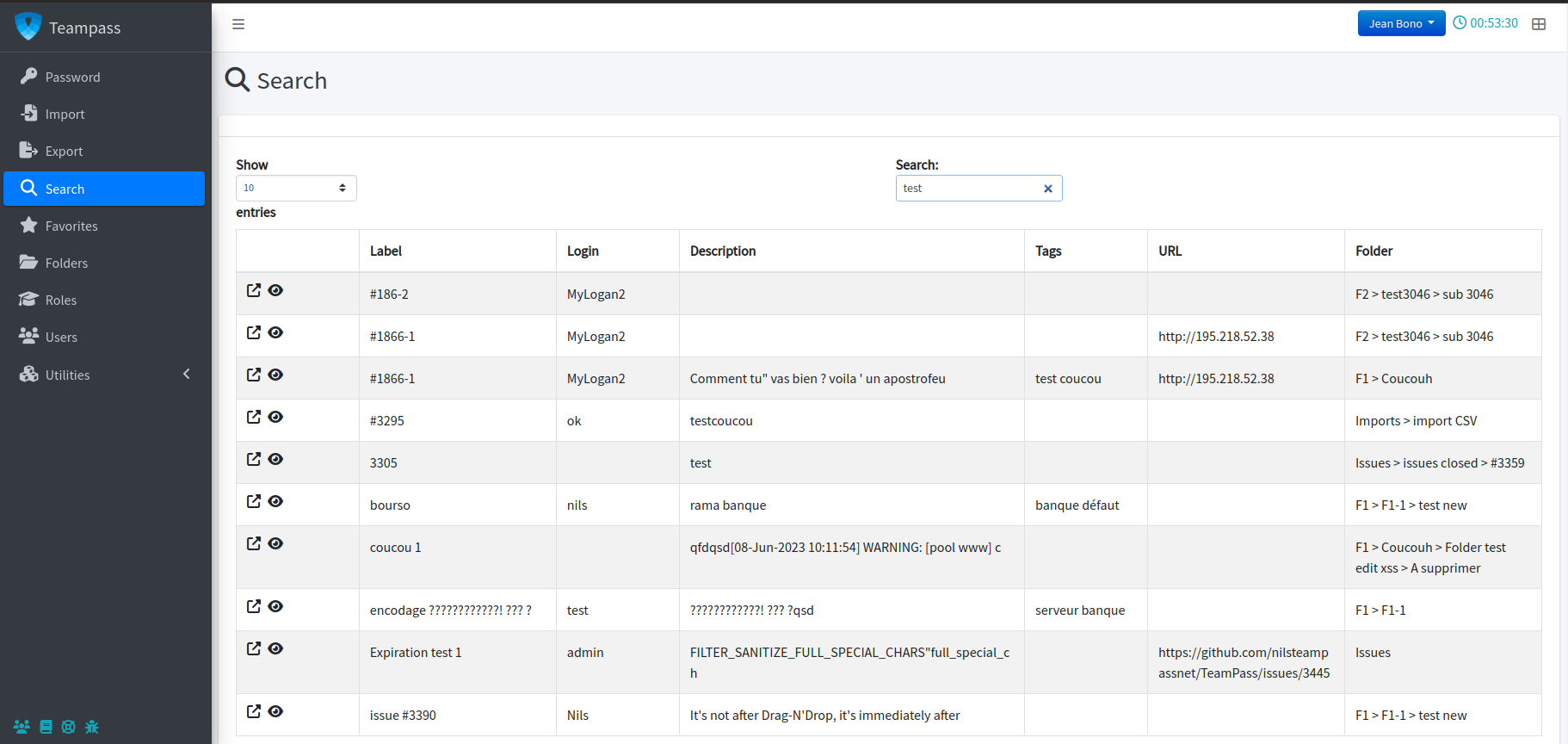
Does anyone know how to make searched items clickable (hyperlinks)? right now there is hardly no point if you can’t see the password or edit the accounts you searched.
Thank you.
You have two icons to the very left of every match returned by a search. The left one takes you to the database entry. I agree that hyperlinking the whole text line would be better than having to click a tiny little icon…
I didn’t realize I had the icon, it works great!
Thank you.
Very good work!
I’ve posted some issue in github.
So if u need an Italian translation, send me the files and I do for u.
exa_gon@hotmail.com
Thanks.
Bye
Thank you exa_gon!
Italian translation has been done by one user, but there will be some updates of course
Has anybody had any luck running the automated backups in TeamPass? I have logged in as admin, set my destination directory and my backup filename. When I click “start” button, nothing happens.
However, if I try the “one shot backup and restore”, it works perfectly.
Because of this problem, I am unable to schedule my password backups.
Any input would be appreciated.
Slow performance browsing a folder.
I just upgraded to 2.1.8 but was having the issue on 2.1.7. I am still running test but I have a folder with 284 accounts, when I expand it it takes the browser like 30 seconds to complete the task.
Anyone else experiencing this?
I have exactly the same problem. I have a lot of account and folder password, when i login, it’s ok, when i browse it’s same of you, time it’s very long like more of 30 seconds to complete task too.
If you want we can open an issue on github because it’s really a problem for us.
Yes please open an issue on Github so that I can follow it and ask for more details.
Issue reported: https://github.com/nilsteampassnet/TeamPass/issues/135
Hi!
I’m install version 2.1.7 and save passwords in this version some times. Now I try to reinstall TeamPass on another PC (version 2.1.8). Then I’m try to restore base from backup db-backup-XXXXXXXXXX.sql. When I try to restore the database from a web interface – I was thrown to the menu authorization, but the database is not restored. when I try to load *.sql in mysql – i can’t authorization in teampass.
I try to do that in 2.1.9. – this has not led to success.
what I have to do?
Hi,
just installed TeamPass 2.1.8 from Git
Its all fine except the file upload over https. That dosent work.
Any tips or hints ?
I found out that this issue is an Adobe Flash Problem over SSL.
Adobe is looking in the Cert Container from the OS and if you dont have the the Root CA (and its not trusty) then you will get an IO Error on the file upload.
WordPress had the same problem, they switched from Flashupload to Plupupload (HTML5).
Is it possible to use Plupupload or another type of upload ? When yes maybe you can add a switch in the admin backend ?
Would be realy great
Thank you Andreas for this suggestion.
I’m adding it to the todo list
Hi Nils,
I just installed the latest version, but the import function of Keepass XML is still not working. I tried it with Windows Keepass 1.x and 2.x (latest version), no way to get it working, just the message “Keepass file is needed” (something like that, I’m using the german translation) comes up. I really like to improve that function, so if you could send me some information which file need to be hacked and so on I would work on this and send you the updated file.
Thanks!
Hi Markus,
I’m very surprised you get this warning. Indeed that means the expecting header files are not present in your keepass file … very strange.
Can you provide me an example file of 2.X export?
Importation is manages through includes/import.queries.php file. For KP importation, it starts at line “case “import_file_format_keepass”:”
I’ll too check this carefully.
Confirmed … next of discussion => https://github.com/nilsteampassnet/TeamPass/issues/100
Thank you for building this tool. Two questions:
* is there more detailed documentation on the way security is implemented, most notably the way data is stored, retrieved and decrypted?
* Has anyone (preferably someone not associated with the project) ever performed a code audit to verify security of the entire toolset?
You can found some information in this page => http://www.teampass.net/how-passwords-are-encrypted/
If you need more details, please ask (it could be for me the way to improve presentation of the tool)
Concerning code audit, several “security” websites contacting me in the past, I’ve done the corrections asked and since no news. I’m very interested in such audit in order to improve the tool on things I’ve not seen.
Nevertheless, you can browse Github to see some improvement propositions.
Hi,
This is really a great tool, but I have encountered a bug. When switching to Japanese, it renders the pages blank and the buttons unusable. Any work around?
Regards
Rooh … damned the JApanese file seems to be broken in some kind of strings.
To pass through, go in the database, table “users”, edit your account and change language to english.
I’ll commit the Japanese file tonight on guithub (branch 2.1.10)
Hey Nils,
Maybe i found another language issue
updated my Testinstallation from 2.1.8 to 2.1.9
The previous default language was German. After the update the language is still german (thats ok) but it dosent apear in the language switch.
Kind regards
Andreas
Something is indeed wrong in the Upgrade process because it seems that the “by-default” language is deleted from table.
See this page (https://github.com/nilsteampassnet/TeamPass/issues/153#issuecomment-8245047), it seens to be the same problem but with French language
Hey Nils,
I installed 2.1.9 and i think the button “copy to clipboard” is not working.
When i click on it nothing happens, its like its only an image and not a button.
Thanks.
There seems to be something wrong somehow.
I get: syntax error, unexpected T_NS_SEPARATOR on line 10.
Line 10 in this case being the line in settings.php concerning $smtp_auth.
I searched for it on the internet and there seems to be something off with the separators. I could not repair the error so I’ve disabled the line for now.
And please, please can you make the maintenance mode facultative?
I got stuck because my administrator password is actually stored inside teampass and is too difficult to remember. I had to hack the database a bit in order to disable maintenance mode and restore my access to teampass.
Since hacking is not something one should do, I’m not going to reveal here what I did.
Thanks for creating this great piece of software.